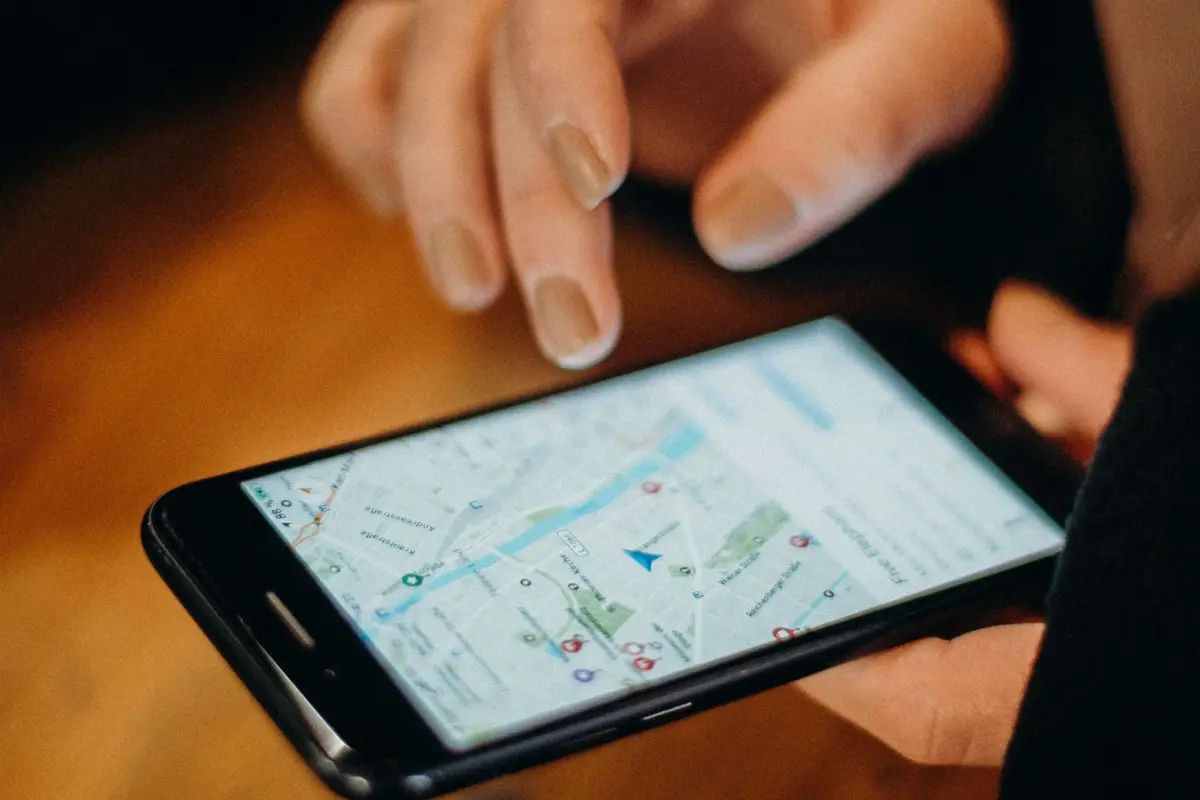
Managing Google Business Profile well is the single cheapest way for a local business to get more calls from Google. It’s free, it controls what people see in Google Maps and the local results, and most businesses fill it in once and never touch it again.
This checklist walks through claiming it, verifying it, filling it in properly, and the small monthly habits that keep it working.
Is Google Business Profile free?
Yes. Google states that creating a Business Profile and listing your business on Google is free.
Be wary of anyone charging you simply to “register” you on Google. You can pay someone to manage or optimise your profile, but the profile itself costs nothing.
How do you claim a Google Business Profile?
You claim a Google Business Profile by searching for your business on Google or Google Maps, selecting the option to claim or manage it, and signing in with the Google account you want to own it. If your business isn’t listed yet, you create a new profile instead.
Use a business Google account you’ll keep long-term, not a personal one belonging to someone who might leave. Add other people as managers later rather than sharing the login.
How do you verify a Google Business Profile?
You verify a Google Business Profile by completing the method Google offers you: a phone call or text, an email, a live video call, or a postcard by post. Google says verification is required to edit your business info and interact with customers.
Google also notes that the verification methods are chosen automatically and can’t be changed, and that reviewing your information can take up to five business days after you complete verification. Have proof of your business ready (signage, tools, equipment, documents) if you get a video verification.
What should a Google Business Profile optimisation checklist include?
A good Google Business Profile optimisation checklist covers your name, categories, contact details, service areas, hours, description, services, photos, reviews and posts. Google says businesses with complete and accurate info are more likely to show up in local results.
| Section | What to do | Rule to know |
|---|---|---|
| Business name | Use your real trading name only | Google prohibits adding keywords to your name |
| Categories | Pick the most accurate main category, then a few relevant extras | Fewer, accurate categories beat many loose ones |
| Address / service area | Show your address only if customers visit you | Service-area businesses should hide their address |
| Phone and website | Match exactly what’s on your website | Consistency avoids mixed signals |
| Hours | Keep normal and holiday hours up to date | Wrong hours lose customers and trust |
| Description | Explain services and history in plain language | No links allowed in the description |
| Services / products | List each service separately | Helps Google match specific searches |
| Photos | Add real photos regularly | See size requirements below |
| Reviews | Ask for them and reply to all of them | Incentives for reviews are prohibited |
| Posts | Share updates, offers or events | Posts appear in Search and Maps |
What size should Google Business Profile photos be?
Google recommends photos of 720 × 720 pixels, in JPG or PNG format, between 10 KB and 5 MB. The minimum is 250 × 250 pixels, according to Google’s photo guidelines.
Google also asks for photos that are in focus, well lit and without heavy filters. Real photos of your premises, team and work do far more than stock images.
What are Google Business Profile posts and should you use them?
Google Business Profile posts are short updates you publish directly on your profile, and they’re worth using because they appear in Search and Maps. Google supports three types: updates, offers and events.
Posts are a simple way to show you’re active. Share a recent job, a seasonal offer, a new service or an event. Add a photo and a button so people can call, book or visit your website.
How should you manage Google reviews?
Ask every happy customer for a review, reply to every review you receive, and never offer anything in return for one. Google suggests sharing a review link or QR code, and asks that replies are short, polite and not promotional.
Negative reviews are part of running a business. A calm, helpful reply often does more for your reputation than the review itself does damage.
How often should you update your Google Business Profile?
Check your profile at least once a month, and update it whenever something changes: hours, services, phone number or photos. Regular posts and new photos keep it looking active to customers.
A simple monthly routine:
- Reply to any new reviews.
- Add two or three new photos.
- Publish one post.
- Check your hours and details are still right.
- Look at the performance stats to see calls and direction requests.
What else do people ask about managing a Google Business Profile?
Can I give someone else access without sharing my password? Yes. Add them as a manager from your profile settings instead of sharing your Google login.
Can I have a profile without a shop? Yes, if you visit or deliver to customers. Google calls this a service-area business.
Why isn’t my profile showing up? Common reasons are an unverified profile, incomplete details, the wrong category, or strong competitors closer to the searcher.
Want your website to back up your Google Business Profile?
Your profile gets you seen; your website wins the enquiry. I build websites for small businesses that match your Google profile, load fast on mobile and turn local searches into calls and bookings.
Book a free consultation to see how your business shows up on Google today.