

An SEO title is the clickable headline of a web page in Google’s search results, set by the page’s HTML <title> tag. It’s also called a title tag or meta title, and it’s the first thing people read before deciding whether to click. Google calls that headline a “title link” and usually takes it from your SEO title, but it can rewrite it if yours is vague, stuffed with keywords or doesn’t match the page. Write one clear, unique title of roughly 50 to 60 characters for every page.
If you’re asking “what is an SEO title?”, you’ve probably spotted a box called “SEO title” in WordPress, or a report has told you yours are “too long” or “missing”. I write SEO titles for every page of every website I build, and I check them on the sites I do SEO for in London. For this guide I checked everything against Google’s own documentation on title links (last updated 10 December 2025, checked by me on 4 November 2026), plus Google’s 2026 test of rewritten titles that most articles on this topic haven’t caught up with yet.
Key takeaways
- An SEO title is the headline Google shows for your page in search results. “Title tag”, “meta title” and “page title” usually mean the same thing.
- It is not the same as your H1, the big heading visitors see on the page, although the two should agree.
- Google sets no maximum length, but it cuts titles to fit the screen, so about 50 to 60 characters is a sensible target.
- Google rewrites titles that are vague, out of date, repetitive or stuffed with keywords. In 2021 it said it used the page’s own title about 87% of the time.
- For a local business, the best SEO title is usually service + area + business name, different on every page.
What is an SEO title?
An SEO title is the text inside a page’s <title> tag, written so that Google understands the page and people want to click it. It sits in the hidden “head” part of the page’s code, so visitors don’t see it on the page itself. They see it in the search results, in the browser tab and often when the link is shared.
Google’s name for the headline it shows is a title link. In its own words, “A title link is the title of a search result on Google Search and other properties”, and clicking it takes you to the page (Google Search Central). Your SEO title is your suggestion for that title link. Most of the time Google uses it. Sometimes it doesn’t, and I explain why further down.
Tools use different names for it: “SEO title” in Rank Math and Yoast, “meta title” in some website builders and “title tag” in most SEO reports. They all mean the <title> tag.
Where does an SEO title show up?
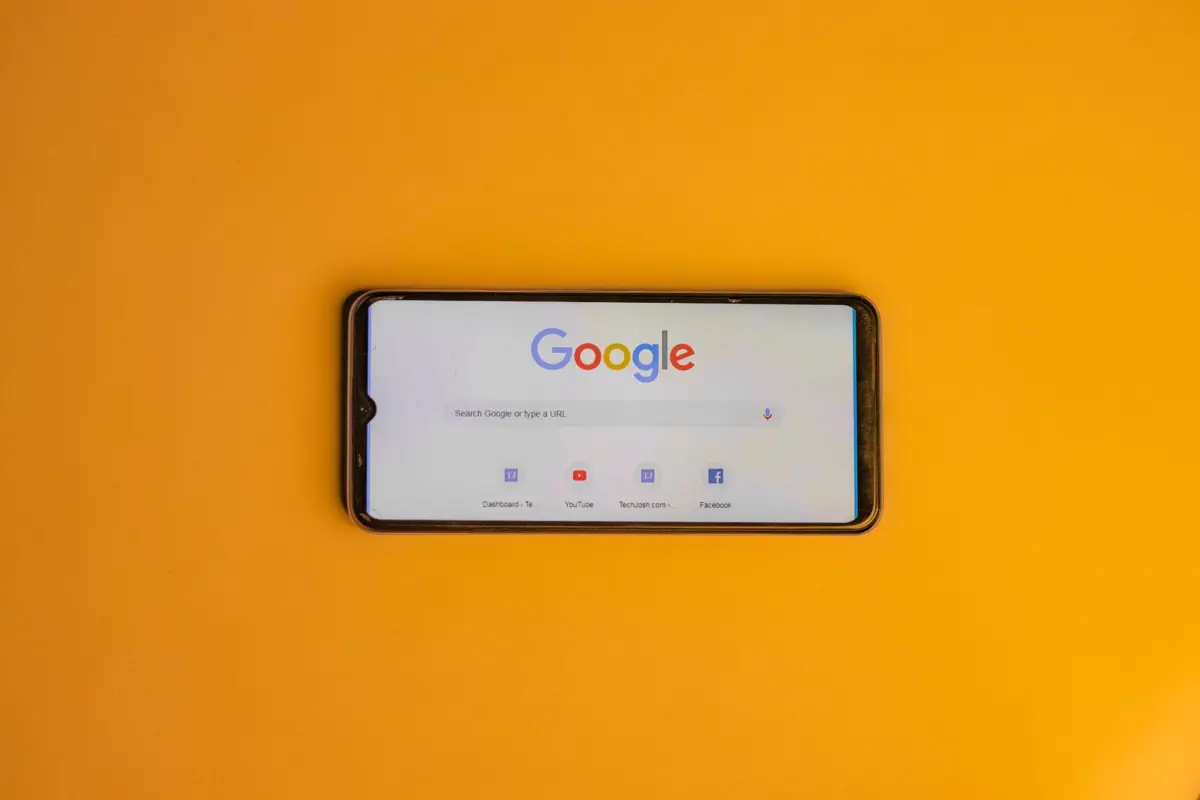
Your SEO title shows up in four main places, and the first one is the one that makes you money:
- Google search results. The blue (or purple) clickable headline above your page’s description.
- The browser tab. The text on the tab at the top of the screen, and the default name when someone bookmarks the page.
- Shared links. WhatsApp, Facebook and LinkedIn previews often use it, unless a separate social title has been set.
- Other search engines. Bing and others read the same tag.
So a bad title costs you clicks, not just rankings. If your listing says “Home”, a customer comparing five plumbers has no reason to pick yours.
SEO title vs H1 vs page title: what’s the difference?
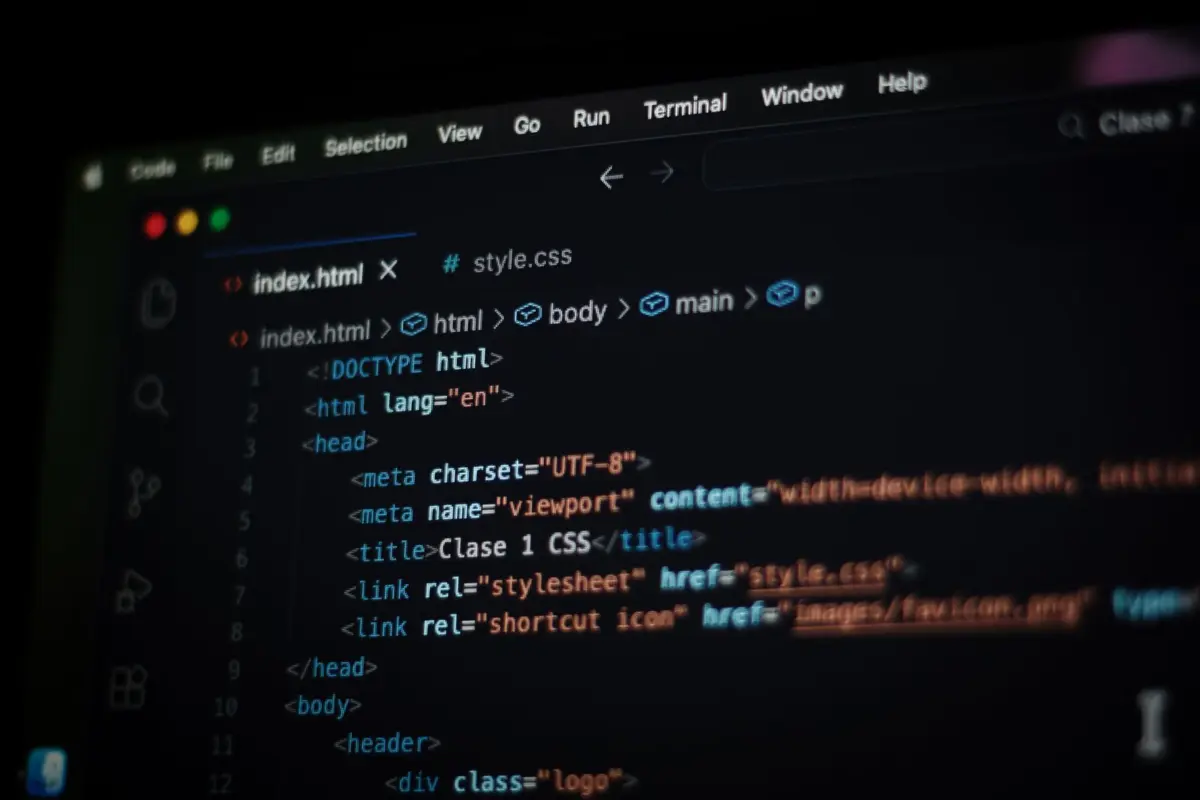
The SEO title is the headline in Google; the H1 is the main heading visitors see at the top of the page. They can be identical, but they don’t have to be, because they do slightly different jobs. Here’s how they compare, along with the meta description that often gets mixed up with them:
| SEO title (title tag) | H1 heading | Meta description | |
|---|---|---|---|
| Where it appears | Google results, browser tab, shared links | Top of the page itself | Grey text under the title in Google |
| Who reads it | Searchers deciding whether to click | Visitors already on your page | Searchers deciding whether to click |
| In the code | <title> in the head | <h1> in the body | <meta name=”description”> in the head |
| Sensible length | About 50 to 60 characters | Whatever reads well | About 140 to 160 characters |
| Does Google use it for the title link? | Yes, first choice | Yes, as a backup | No |
| Where you edit it in WordPress | Rank Math or Yoast “SEO title” box | The post or page title field | Rank Math or Yoast “description” box |
A real example from this website: my homepage’s H1 is “Marco Mundo Freelance Web Designer London”, while its SEO title is “Freelance Web Designer London | Websites & SEO | Marco Mundo”. Same subject, but the title in Google leads with what people search for, because it has to win a click against nine other results.
The one rule: keep them consistent. Google’s list of places it looks for a title includes your <title>, the “main visual title shown on the page”, heading elements such as <h1>, and even “text within links that point to the page”. If your SEO title promises something the page heading doesn’t, Google is more likely to swap it.
How long should an SEO title be?
Aim for about 50 to 60 characters, with the most important words first. Google itself doesn’t set a limit. Its documentation says “there’s no limit on how long a <title> element can be”, but the title link “is truncated in Google Search results as needed, typically to fit the device width.”
So the real limit is screen width in pixels, not characters: a “W” takes more room than an “i”. Rank Math, for example, recommends 50 to 60 characters and puts Google’s cut-off at around 580 pixels (Rank Math). A longer title isn’t a penalty. The end just gets chopped off with “…”, so never leave the important bit until last.
Why does Google rewrite SEO titles?
Google rewrites an SEO title when it thinks the title doesn’t describe the page well. Google says its “generation of title links on the Google Search results page is completely automated”, and that it can’t manually change them for individual sites. Its documentation lists the usual triggers:
- Half-empty titles, such as a title that’s only “| Smith Plumbing”.
- Out-of-date titles, such as “Prices 2024” on a page that’s been updated since.
- Inaccurate titles that don’t match what’s on the page.
- Boilerplate, where lots of pages share nearly the same title.
- No clear main heading on the page, so Google can’t tell which text is the real title.
- Keyword stuffing. Google’s example is “Foobar, foo bar, foobars, foo bars”, which it says “doesn’t help the user”. The local version is “Plumber London, London Plumber, Plumbers London”.
How often does it happen? After a big change in 2021, Google said “title elements are now used around 87% of the time, rather than around 80% before” (Google Search Central blog, reported by Search Engine Roundtable). Google hasn’t published a newer figure, so treat it as a rough guide: a well-written SEO title is used most of the time.
The 2026 twist: in March 2026 Google confirmed a small test that replaced some page titles in search results with ones better matched to the searcher’s query, first spotted by The Verge. Google said that if it launched anything from the test, “it would not be using a generative model and we would not be creating headlines with gen AI” (9to5Google, March 2026). My take for small businesses: you can’t stop Google testing, but a title that already matches the page and the search leaves Google little reason to change it.
Not sure your SEO titles are pulling their weight? I’m a freelance SEO consultant in Clapham, so you deal with me, not an account manager. I’ll look at how your pages appear on Google against your local competitors and tell you honestly what’s worth fixing, even if it’s “you can do this yourself in ten minutes”. See my SEO consultant services in London or book a free consultation.
What makes a good SEO title for a local business?
A good SEO title says exactly what the page offers, where, and who you are, in words your customers actually type. Google’s own best practices boil down to the same thing: write “descriptive and concise text”, avoid repeated boilerplate, avoid keyword stuffing and “brand your titles concisely”. It also warns against vague titles, saying to “avoid vague descriptors like “Home” for your home page”. Here’s what that looks like for real small businesses:
| Business and page | Weak SEO title | Better SEO title | Why it’s better |
|---|---|---|---|
| Plumber, homepage | Home | Emergency Plumber in Clapham & Balham | Smith Plumbing | Service and area first, brand last |
| Accountant, service page | Services | Patel & Co | Accountant for Landlords in South London | Patel & Co | Names the exact service and who it’s for |
| Hair salon, homepage | Welcome to Bella’s Hair Salon, the best hair salon for hair | Hair Salon in Brixton for Cuts & Colour | Bella’s | No repetition, says what you can book |
| Builder, area page | Builder London, London Builder, Builders London | Loft Conversions in Wandsworth | Hart Builders | One clear service, one area, no stuffing |
| Tutor, pricing page | Prices 2023 | English Tutor Prices in Balham (2026) | Jane Doe Tutoring | Current year, matches the updated page |
| Online shop, category | Products | Handmade Leather Bags | Free UK Delivery | Hide & Co | Tells shoppers what’s there and why to click |
On every site I build, each page gets its own title, and the words come from keyword research, not guesswork: if more people search “boiler repair” than “heating engineer”, the title says “boiler repair”. My guide on how many keywords to use for SEO covers picking those words.
How do you check your SEO titles?

You can check your own SEO titles in about ten minutes, without touching any code. Here’s the order I’d do it in:
- Search Google for your site. Type site:yourwebsite.co.uk into Google. You’ll see a list of your indexed pages with the title Google shows for each one.
- Look for the obvious problems. Any page called “Home”, “Services” or just your business name? Any titles that look the same? Any old years?
- Compare with what you wrote. If the title in Google is different from the one in your SEO plugin, Google has rewritten it. That’s a hint your title doesn’t match the page well enough.
- Check the length. Any title cut off with “…” before the important words should be shortened or reordered.
- Check Search Console. In the Performance report, look for pages with plenty of impressions but very few clicks. A weak SEO title is often the reason. My guide to what Google Search Console is shows you where to find this.
- Fix the top pages first. Your homepage and main service pages matter far more than an old blog post.
- Wait for Google to recrawl. Google notes it has to recrawl a page before a new title shows, and you can request that it does.
If your pages don’t appear in step 1 at all, the problem isn’t the SEO title. Start with why your website isn’t showing on Google instead.
Does an SEO title still matter with AI Overviews?
Yes. The SEO title is still the headline people see in the normal results below an AI Overview, and a clear title helps anyone, or anything, understand the page at a glance.
What it won’t do on its own is get you quoted. AI Overviews pick pages that answer the question clearly, so the title has to be backed by a page that delivers. I explain the rest of that in my guide to ranking in Google AI Overviews.
SEO titles: which situation are you in?
Whether you fix your SEO titles yourself or get help depends on how your site was built and what else is going on with it. Find your row:
| Your situation | What I’d do |
|---|---|
| WordPress site with Rank Math or Yoast, a handful of pages | Do it yourself: rewrite each SEO title using the service + area + brand pattern |
| Google shows “Home” or your business name for every page | Fix the homepage and main service pages today, then the rest |
| Titles look fine but Search Console shows impressions and no clicks | Test clearer wording that matches the searches you’re showing for |
| Your website builder doesn’t let you change the SEO title | That’s a sign the platform is limiting you; worth weighing up a proper rebuild |
| You’re planning a new website or a redesign | Get SEO titles written before launch, page by page, not after: see SEO for a website redesign |
| Titles are fixed but you still don’t rank | The title isn’t the problem; you need wider SEO work, from content to your Google Business Profile |
Titles are one of the quickest wins in SEO, but they’re one piece of it. If you’re weighing up outside help, my guide to what an SEO company does explains what you should get for your money, and every website I design in London launches with a unique SEO title on every page.
What is an SEO title: frequently asked questions
What is an SEO title in simple terms?
An SEO title is the clickable headline Google shows for your web page in the search results. It comes from the page’s title tag, and it tells both Google and searchers what the page is about.
Is the SEO title the same as the title tag?
Yes. SEO title, title tag and meta title all mean the text inside the page’s HTML title element. Different tools just use different names for it.
What is the difference between an SEO title and an H1?
The SEO title appears in Google’s results and the browser tab, while the H1 is the main heading visitors see on the page. They should cover the same topic, but the SEO title is written to win the click.
How many characters should an SEO title be?
About 50 to 60 characters. Google sets no limit, but it cuts titles to fit the screen width, so put the most important words first.
Why is Google not showing my SEO title?
Google rewrites titles it thinks are vague, out of date, repetitive, stuffed with keywords or don’t match the page. It may also not have recrawled the page since you changed it.
Should I put my business name in the SEO title?
Usually yes, once and at the end, separated by a hyphen or a pipe. Google recommends branding titles concisely rather than repeating a long tagline on every page.
Titles are one of the quickest wins, but most results still take months. I explain the timelines in how long SEO takes to work.
Want SEO titles that actually get clicked?
Now you know what an SEO title is, how it differs from your H1 and why Google sometimes rewrites it. If you’d rather someone checked every page and fixed the bigger things that stop you ranking, tell me about your business and I’ll give you an honest answer about what’s worth doing. You can also see my SEO consultant services in London.
Book a free consultation, or call or WhatsApp me on 07404 145722. Clear titles, honest advice, no jargon.

Freelance web designer and SEO in Clapham, London, and two-time Prestige Awards Web Designer of the Year. I design, build and rank websites for small businesses. More about me


