
If your website is not showing on Google, it is one of two problems: either Google has not indexed your site at all, or it has indexed it but ranks other pages above yours. Search site:yourdomain.co.uk to find out which. No results usually means a blocked or brand-new site, which is often fixable in minutes. Results but no visitors means a content and ranking problem.
I deal with both versions of this problem, on existing sites I do SEO for and on brand-new sites I launch. Below I’ll show you how to work out which problem you have, the 10 causes I find most often, how to fix each one, and when it’s worth getting help. These are exactly the checks I run when I take on a monthly SEO client in London, so you can work through them yourself first.
Key takeaways
- A website not showing on Google is either an indexing problem (Google doesn’t have it) or a ranking problem (Google has it but prefers other pages).
- The
site:search and Google Search Console’s URL Inspection tool tell you which one you have, for free. - On WordPress, the most common culprit is a “Discourage search engines” box left ticked after the build.
- Google says it can take a few weeks to notice a new site, and you can’t pay Google to speed that up.
- If your site isn’t indexed, it can’t appear in Google’s AI Overviews either.
Why is my website not showing on Google?
Your website is not showing on Google because Google either can’t find it, has been told not to index it, has decided it isn’t worth indexing, or simply ranks other websites higher for the words you’re searching. The first three are indexing problems. The last one is a ranking problem, and it needs a completely different fix.
Mixing the two up wastes months. Paying for blog posts won’t help if the whole site is set to noindex, and fiddling with technical settings won’t help if your homepage never mentions what you actually sell. Use this table to match your symptom to the likely cause.
| What you see | Most likely cause | Where to check | Typical fix time |
|---|---|---|---|
Nothing at all for site:yourdomain.co.uk | New site not crawled yet, or the whole site is blocked (noindex or robots.txt) | Search Console URL Inspection; WordPress Settings > Reading | Minutes to fix, then days to weeks for Google to recrawl |
| Homepage shows, service pages don’t | Pages blocked individually, thin or duplicate pages, or no internal links to them | Search Console Page indexing report | A few days to rewrite and resubmit |
| Shows for your business name, not for your services | Indexed but not ranking: pages don’t match what people search, or competitors are stronger | Search Console Performance report; search your target phrase yourself | Weeks to months of SEO work |
| Was on Google, then vanished | A redesign added noindex, URLs changed without redirects, the site went down, or a manual action | Search Console Pages and Manual actions reports | Days, if you catch it quickly |
| On Google search but not Google Maps | A Google Business Profile problem, not a website problem | Your Business Profile | Varies, see my Maps guide |
How do I check if my website is on Google?
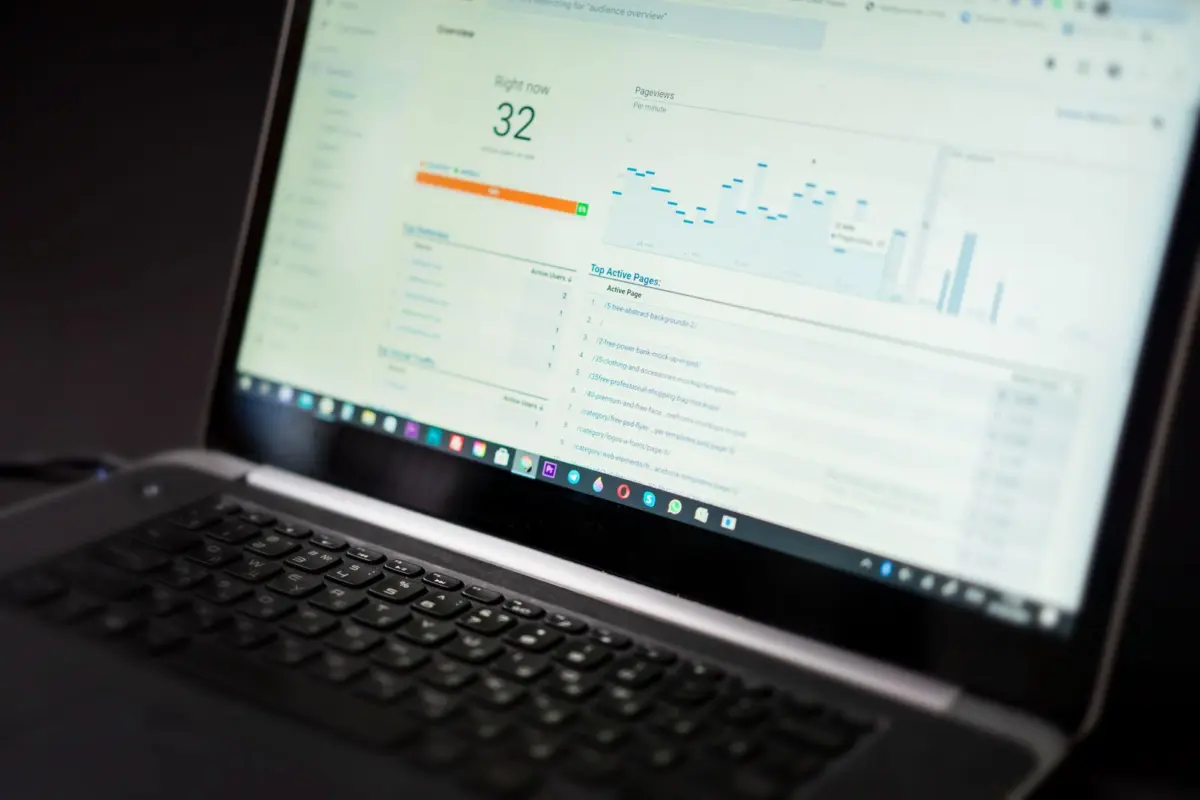
The quickest check is to type site:yourdomain.co.uk into Google, using your own domain. The most reliable check is the URL Inspection tool in Google Search Console, which tells you whether a specific page is indexed and, if not, why. Both are free and take about two minutes.
- Run a site: search. Google’s own guide to getting on Google recommends this as the first check. If pages appear, you’re indexed. Bear in mind Google notes that the
site:operator doesn’t necessarily return every indexed URL, so treat it as a quick test, not a full count. - Add your site to Google Search Console. If you haven’t already, verify your domain. It’s free and it’s the only place Google tells you directly what’s wrong.
- Inspect your homepage and one service page. The URL Inspection tool shows whether each page is on Google and any issue stopping it.
- Open the Page indexing report. It lists every page Google knows about that isn’t indexed, with a reason next to each group. That reason tells you which of the causes below you’re dealing with.
Is your website too new for Google to have found it?
If your website launched in the last few weeks, Google may simply not have crawled it yet. Google says that “it can take a few weeks for Google to notice a new site, or any changes in your existing site”, and small sites with no links pointing to them are the easiest to miss.
You can speed this up a little, but not buy your way past it. Submit your XML sitemap in Search Console and request indexing for your most important pages. Google’s page on asking Google to recrawl your URLs says crawling can take anywhere from a few days to a few weeks, and that requesting a crawl doesn’t guarantee the page will be included. Getting a couple of genuine links, such as from your Google Business Profile and a trade directory you belong to, also helps Google find you.
When I launch a new site, submitting the sitemap and checking the key pages in Search Console is part of launch day, not something left for later. If you’re planning a new site, my guide on how long it takes to build a website covers what happens after launch too.
Is something on your website blocking Google?

A setting on your own website is the most common reason a site never appears on Google at all. Designers often hide a site from search engines while they build it, and the switch doesn’t always get turned back on at launch. These three are the ones to check.
1. The “Discourage search engines” box is ticked
In WordPress, go to Settings > Reading and look for “Discourage search engines from indexing this site”. According to the WordPress documentation, ticking it adds a robots meta tag with noindex,nofollow to every page. Untick it, save, then request indexing in Search Console. Most website builders have a similar visibility switch in their SEO or site settings.
2. A noindex tag is set on important pages
Even with that box unticked, an SEO plugin such as Rank Math or Yoast can set individual pages to noindex. Google’s noindex documentation is blunt: when Googlebot sees the tag, Google drops that page entirely from search results, whatever links point to it. Check the robots setting on each key page, or view the page source and search for “noindex”.
3. robots.txt is blocking Googlebot
Your robots.txt file (at yourdomain.co.uk/robots.txt) tells crawlers what they can and can’t visit. A line reading Disallow: / under User-agent: * blocks the whole site. This sometimes comes from a staging setup or a host’s default file. Remove the block and retest the page in URL Inspection.
Has Google found your pages but chosen not to index them?
Sometimes Google knows your pages exist but leaves them out. In the Page indexing report this shows up as “Discovered – currently not indexed” or “Crawled – currently not indexed”. It isn’t a penalty, it’s a judgement, and the fix is usually to make the page more useful or easier to find.
4. Your site has no sitemap and few internal links
Google finds pages by following links. If a service page is only reachable through a dropdown menu built in a way crawlers struggle with, or isn’t linked from anywhere, Google may never get to it. Make sure every important page is in your sitemap and linked from your homepage or main menu in plain HTML links.
5. Your pages are thin or near-duplicates
Google’s Page indexing report help explains that a “Crawled – currently not indexed” page “may or may not be indexed in the future” and there’s no need to resubmit it. The usual reasons are pages with a heading and two lines of text, or area pages that are the same copy with the town name swapped. Resubmitting won’t change Google’s mind. Rewriting the page so it says something specific, useful and different will.
Stuck on “currently not indexed”?
This is where most DIY fixes stall, because the answer isn’t a setting, it’s better pages. Reading the Page indexing report, deciding which pages to rewrite, merge or drop, and fixing them is a big part of what I do in monthly SEO. Book a free consultation and I’ll tell you honestly what’s holding your site back.
Could your website have a Google penalty or be broken?
A Google penalty is possible but rare for a normal small business site. Far more often, the site is returning errors to Google without the owner noticing. Both are quick to rule out in Search Console.
6. Google has issued a manual action
A manual action is when a human reviewer at Google decides pages break Google’s spam policies. Google’s Manual actions report help says that when a site has one, “some or all of that site will not be shown in Google search results”. Open the Manual actions report in Search Console. A green tick means you don’t have one. If you bought links or used spammy tactics in the past, that’s where to look.
7. Your site is down, password-protected or erroring
Google lists a crawl error as one of the common reasons sites get missed, often because of a login page or something blocking Google, and suggests checking that you can open your site in an incognito window. An expired SSL certificate, a maintenance-mode plugin left on, or a shop still password-protected after launch all do the same job: Google arrives, gets an error, and leaves.
Why does my website show for my name but not for my services?

If your website appears when you search your business name but not for “plumber in Clapham” or “accountant SW4”, Google has indexed you but doesn’t see your pages as the best answer for those searches. That’s a ranking problem, and it’s the situation most small businesses are actually in.
8. Your pages don’t match what people search for
Google ranks pages, not businesses. If you have one page listing six services, it’s unlikely to be the best answer for any one of them. Each service you want enquiries for needs its own page with a clear title, the service and area named in plain words, and answers to the questions customers ask. Page titles left as “Home” or “Services” don’t compete for anything.
9. Competitors have stronger signals than you
In London especially, you’re up against businesses that have had websites, reviews and links for years. Links from real local sources, a complete Google Business Profile, matching contact details everywhere and useful content all add up. Google’s How Search Works guide is clear that Google doesn’t accept payment to crawl a site more often or rank it higher, so the only route is earning it.
10. Your website lost its pages in a redesign
If you were on Google and then disappeared, think about what changed. A rebuild that changed page addresses without redirects, or carried the staging site’s noindex setting onto the live site, can wipe out rankings overnight. I’ve written a full guide on SEO for a website redesign if that’s what happened to you.
How long does it take for a website to show up on Google?
A new website usually takes a few days to a few weeks to be crawled and indexed, and Google itself says it can take a few weeks to notice a new site. Ranking well for competitive searches takes much longer, typically months of consistent work. Fixing a blocking setting can get you indexed again within days of Google recrawling.
One thing that doesn’t help: clicking “Request indexing” over and over. Google says there’s a quota for individual URL requests and that asking repeatedly for the same URL won’t get it crawled any faster.
Will a website not showing on Google appear in AI Overviews or ChatGPT?
No. If Google hasn’t indexed your website, it can’t appear in Google’s AI Overviews or AI Mode. Google’s guidance on AI features and your website says a page must be indexed and eligible to be shown in Google Search with a snippet to be shown as a supporting link, with no extra technical requirements beyond that.
So fixing indexing is now about more than the classic blue links. AI assistants that search the web, such as ChatGPT and Perplexity, also need to be able to find and read your pages before they can mention you. Clear, specific pages that answer real questions help with all of them, which is why I write every page I build to stand on its own as an answer.
Is your business missing from Google Maps rather than search results?
If your website shows up in normal results but your business doesn’t appear on the map, the problem is your Google Business Profile, not your website. Verification, suspensions, categories and service-area settings all play a part. I’ve covered every one of them in why your business is not showing on Google Maps.
Should you fix your current website or start again?
Fix it if the problem is a setting, a block or a handful of weak pages. Consider a new website if the site is a single page, can’t be edited properly, or was never built with search in mind. Here’s how I’d decide.
| Your situation | What I’d recommend |
|---|---|
| Noindex, robots.txt or visibility setting left on | Fix it yourself today, then request indexing |
| Indexed, but service pages are thin or missing | Keep the site, rewrite and add pages, ideally with ongoing SEO |
| Ranks for your name only, in a competitive London market | Monthly SEO: keyword plan, on-page fixes, local SEO and content |
| One-page site, outdated builder or no access to edit it | A new website built for search from day one usually costs less in the long run than patching |
| Rankings vanished after a redesign | Fix redirects and noindex settings fast, before the old rankings are forgotten |
To be upfront about how I work: I don’t edit or redesign existing websites, but I do monthly SEO on existing sites, and I build brand-new WordPress sites with on-page SEO and competitor keyword research included. If your current site isn’t worth saving, a new website built by a London web designer who handles the SEO side too means you start out visible instead of fixing it later.
What I would check first: a 15-minute checklist
If your website is not showing on Google, run through these in order. The first five catch the problems that hide a whole site.
- Search
site:yourdomain.co.ukand note how many pages appear. - Open your site in an incognito window to make sure it loads without a login or error.
- In WordPress, check Settings > Reading and untick “Discourage search engines” if it’s ticked.
- Visit yourdomain.co.uk/robots.txt and look for
Disallow: /. - View the source of your homepage and search for “noindex”.
- Verify your site in Google Search Console and submit your sitemap.
- Inspect your homepage and top service page with URL Inspection.
- Read the Page indexing report and note the reasons pages aren’t indexed.
- Check the Manual actions report for a green tick.
- Search the phrase a customer would type and compare your page with the top three results honestly.
Frequently asked questions
Why can’t I find my website on Google when I search for it?
If searching your exact business name doesn’t bring up your website, Google probably hasn’t indexed it. Run a site: search and check for a noindex setting, a robots.txt block or a site that’s simply too new to have been crawled.
Do I have to pay Google to list my website?
No. Google says it doesn’t accept payment to crawl a site more often or to rank it higher. Paid ads are separate and stop the moment you stop paying, while organic listings are free.
Should I keep clicking Request indexing in Search Console?
No. Google says there’s a quota for individual URL requests and that requesting the same URL repeatedly won’t get it crawled any faster. Request it once, then fix anything the inspection flags and wait.
Why did my website disappear from Google?
Usually something changed: a redesign added a noindex tag, page addresses changed without redirects, the site went down, or the SSL certificate expired. Check the Pages and Manual actions reports in Search Console first.
How do I get my website on Google for free?
Make sure nothing on the site blocks Google, verify it in Google Search Console and submit your sitemap. Then give each service its own useful page and get a few genuine links, starting with your Google Business Profile.
Get your website showing on Google
A website not showing on Google is costing you calls and enquiries every day it stays hidden. Start with the site: search and the checklist above. If it’s a setting, you can fix it this afternoon. If it’s a ranking problem, it needs a plan: the right pages, the right keywords and steady local SEO work.
If you’d rather have someone find the cause and fix it for you, book a free consultation or call or WhatsApp me on 07404 145722. I’ll look at where your site stands on Google and tell you straight what it would take to start getting found by the customers searching for you.