

To log into your Google Business account, go to business.google.com and sign in with the Google Account that owns or manages your Business Profile. You can also search your business name or “my business” on Google while signed in, or tap Business in the Google Maps app. There is no separate password: it is that Google Account’s login.
That’s the easy bit. The hard bit, and the reason most people search this, is when it doesn’t work: wrong email, forgotten password, or a profile that an old web designer or ex-employee set up years ago. Most of what ranks for this question is a 2015 blog post, a forum thread or a video showing screens Google has since changed, so I’ve checked every step below against Google’s own help pages on 2 November 2026. Sorting out access is one of the first jobs I do when I take on a local SEO client in London, so I’ve also added what actually works when you’re locked out.
Key takeaways
- Your Google Business Profile has no login of its own. You sign in with the Google Account linked to it, at business.google.com, on Google Search or in the Google Maps app.
- The old Google My Business app no longer works. Google retired it in 2022; on a phone you manage your profile in Google Maps.
- Forgotten password or email? Use Google’s account recovery page. Google says you can’t call them for help signing in.
- If someone else owns the profile, use Request access. The current owner has three days to respond.
- New owners and managers have to wait seven days before they can do some things, like transferring primary ownership.
- Never let your only owner login belong to an agency, a web designer or a member of staff. Add yourself as an owner today.
How do I log into my Google Business account on a computer?
Go to business.google.com, select Sign in and use the Google Account linked to your profile. Google is clear that “to edit your business info, you need to sign in to the Google Account that’s linked to your Business Profile” (Google Business Profile Help).
- Open business.google.com in your browser.
- Select Sign in and enter the email address or phone number of the Google Account that manages the profile, then your password.
- If you manage one business, your profile opens. If you manage several, pick the one you want from the list.
- To change anything, select Edit profile, make your changes and select Save.
There’s a shortcut too. While you’re signed in, search Google for your business name and town, or simply type “my business”, and Google shows your profile with the management tools on it (Find your business on Google). If you only see the public listing with a “Claim this business” link, you’re signed in to the wrong account, or nobody has claimed the profile yet.
How do I access my Google Business Profile on my phone?
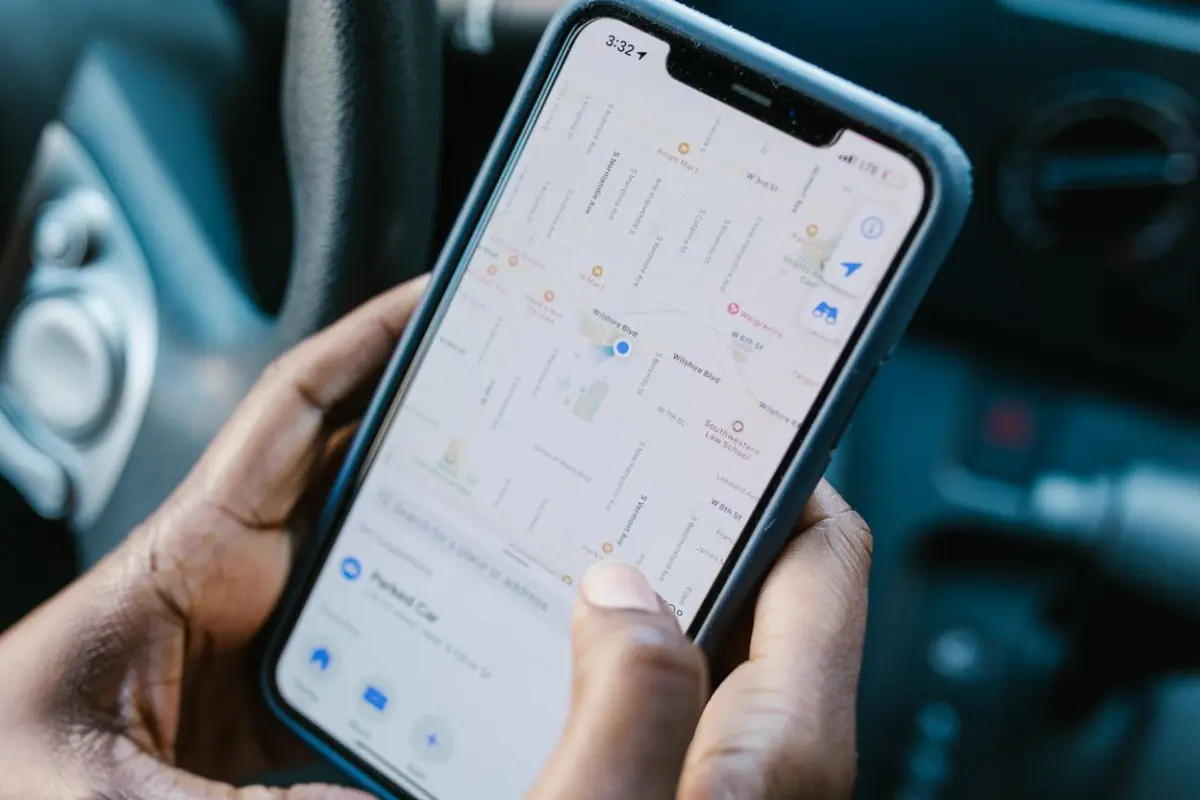
On a phone, you manage your Business Profile in the Google Maps app, not a separate app. Sign in to Maps with the right Google Account, then tap Business in the bottom-right corner.
- Open the Google Maps app on your Android phone or iPhone.
- Check you’re signed in to the Google Account that manages the business (tap your profile picture to see or switch accounts).
- Tap Business in the bottom-right corner.
- If you manage more than one business, tap the down arrow at the top and choose the right one.
- Tap Edit profile to change your details, then tap Save.
If you still have the old “Google My Business” app on your phone, delete it. Google told owners the app would stop working from July 2022 and pointed them to Google Maps and Search instead (Search Engine Land). Plenty of the videos on page 1 still show it.
Which Google account owns my Business Profile?
The account that owns your profile is the one that claimed or verified it, or was later added as an owner. Google doesn’t publish a lookup tool for this, so you have to work it out. Here’s how I track it down for clients:
- Search every inbox you use (personal Gmail, work email, old email addresses) for emails from Google about your Business Profile. The inbox that receives them belongs to an owner or a manager.
- Try each Google Account you have, signed in to business.google.com one at a time. A private browser window makes this easier.
- Ask whoever set it up. In my experience it’s usually a previous web designer, a marketing agency, a family member or an ex-employee.
- Look for the “Claim this business” button on your listing. Google says that if you can’t find a claim option, you may already be the owner (Request ownership of a Business Profile).
Why can’t I log into my Google Business account?

You usually can’t log in for one of four reasons: you’ve forgotten the password, you’re using the wrong Google Account, someone else owns the profile, or the profile has never been claimed. Find your situation in this table and follow the fix.
| Your situation | What to do | Google source |
|---|---|---|
| Forgotten your password | Go to Google’s account recovery page (accounts.google.com/signin/recovery) and answer the questions. Wrong guesses won’t lock you out. | Recover your Google Account |
| Forgotten which email you used | Use Google’s username recovery page. You need the phone number or recovery email on the account and the full name on it. | Recover your Google Account |
| Signed in, but no edit tools | You’re in the wrong Google Account. Switch account (profile picture, top right) and try again. | Edit your Business Profile |
| An old agency, designer or ex-employee owns it and will reply | Ask them to add your email as an Owner in People and access, then make you primary owner. | Manage owners and managers |
| Owner won’t reply or you don’t know who it is | Use Request access. If the owner doesn’t respond in three days, you may be able to claim the profile. | Request ownership |
| Profile has never been claimed | Select Claim this business, then Manage now, and complete verification. | Add or claim your profile |
| Service-area business (no shop or office address shown) | Contact Google through the Business Profile help page and choose “Transfer ownership of listing”. | Request ownership |
| Account can’t be recovered at all | Create a new Google Account, then request ownership of the profile with it. | Recover your Google Account |
One thing to know before you spend an afternoon on hold: Google says plainly that “you can’t call Google for help to sign into your account” (Google Account Help). Recovery happens through the online form, and Google says there’s no limit to how many times you can try. If you’ve just changed your recovery phone or email, it can take up to seven days for that change to take effect.
How do I request access to a Google Business Profile someone else owns?
If another account has already verified your profile, you ask that owner for access through Google. These are the steps for a business with a shop front or office (Google Business Profile Help):
- Go to business.google.com/add and sign in with the account you want to use.
- Enter your business name and address.
- Choose your business from the list. Google will say someone else may manage it.
- Select Request access.
- Fill in the form and select Submit.
You get a confirmation email and the current owner gets an email too. They have three days to respond. If they approve, you can manage the profile. If they deny it, you can still suggest edits and you can try to appeal. If they don’t respond, open your confirmation email, select View request, then Verify, and follow the steps. Google notes that the claim option isn’t always available.
Locked out of your profile and missing calls?
Getting access back, cleaning up who has it and keeping the profile working is part of managing a Google Business Profile, which is included in my Local Starter local SEO plan from £495 a month, along with a review system, UK directory listings and a monthly report. Prices are on my pricing page, or tell me what’s happened and I’ll point you in the right direction for free.
How do I add someone to my Google Business Profile?

Once you’re in, you can add other people from More > Business Profile settings > People and access. Each person needs their own Google Account, and you choose whether they’re an owner or a manager (Manage your Business Profile owners and managers).
- Sign in at business.google.com.
- Go to More, then Business Profile settings, then People and access.
- Select Add in the top-left corner.
- Enter the person’s email address.
- Under Access, choose Owner or Manager, then send the invitation.
Owners and managers can do slightly different things, which matters when you’re deciding what to give an agency or a member of staff:
| Role | What they can do | Who I’d give it to |
|---|---|---|
| Primary owner | Full control. There is only one, and they can’t remove themselves until they transfer primary ownership to someone else. | You, the business owner |
| Owner | Full control, including adding and removing users and deleting the profile. | A business partner or co-director |
| Manager | Mostly the same access as owners, but can’t add or remove users or remove the profile. | Your web designer, SEO person or staff |
New owners and managers have to wait seven days before they can delete the profile, remove other users or transfer primary ownership. To make someone else primary owner, go to People and access, select the person, select Edit next to Access, choose Primary owner and select Save. They must already be an owner or manager (Transfer primary ownership). If you’re just tidying up, my guide to managing your Google Business Profile covers what to do next.
How do I stop getting locked out of my Google Business account again?
Make sure you, not anyone else, hold the primary owner role on an email you’ll always control, and add a second owner as a backup. This is what I set up for every client:
- Use an email you’ll keep for years, ideally one on your own business domain or a Gmail address only you use. Not a staff member’s inbox.
- Add a second owner, such as a business partner, so the profile never depends on one login.
- Give outsiders Manager access, not Owner. Your web designer or SEO person can do almost everything as a manager but can’t remove you.
- Add a recovery phone number and email to your Google Account. Google needs one of them to help you find a forgotten username.
- Remove people who leave. Owners can remove users in People and access, so ex-staff can’t keep changing your listing.
- Write it down. Keep a note of which email owns your Business Profile, Google Search Console and your website. You’ll thank yourself later.
Can I sort this out myself, or should I get help?
If you just need to log in, or you know who the owner is and they’ll cooperate, you can do this yourself in a few minutes with the steps above. It’s worth getting help when the owner has gone quiet, the profile shows wrong details you can’t change, there are duplicate profiles, or you’re losing calls while it’s sorted out.
If your profile is also missing from Maps once you’re back in, read why your business isn’t showing on Google Maps, and for changing your hours, phone number or address see how to change business information on Google. Starting from scratch? Here’s how to add your business to Google Maps.
Frequently asked questions
Is there a Google Business Profile app?
No. Google retired the Google My Business app in 2022. On a phone, you now manage your Business Profile in the Google Maps app by tapping Business in the bottom-right corner, or through Google Search.
Do I need a separate password for Google Business Profile?
No. Your Business Profile uses the login of the Google Account linked to it. If you’ve forgotten that password, reset it through Google’s account recovery page.
How long does it take to get access to a Google Business Profile?
When you request access, the current owner has three days to respond. If they don’t, you may be able to claim the profile. New owners and managers then wait seven days before they can use some features.
Can a Google Business Profile have more than one owner?
Yes. A Business Profile can have several owners and managers, but only one primary owner. Each person signs in with their own Google Account.
Why does Google say my business is already managed by someone else?
Another Google Account has already verified the profile. That could be an old account of yours, a former employee or an agency. Use Request access to ask the owner, or check your other email accounts first.
Can I call Google to get back into my account?
Not for your Google Account. Google says you can’t call them for help signing in, so use the online account recovery form. There’s no limit on how many times you can try.
Once you’re back in, check your reviews too. If a new one hasn’t appeared, see how long Google reviews take to show up and how to tell pending from removed.
Want someone to sort out your Google Business Profile for you?
Now you know how to log into your Google Business account and what to do when you can’t. If you’d rather hand the whole thing over, from getting access back to turning your profile into something that actually brings in calls, tell me about your business and I’ll give you an honest answer, even if it’s “you can do this yourself”. I’m a freelance web designer and SEO consultant in Clapham, London.
Book a free consultation, or call or WhatsApp me on 07404 145722. No jargon, no lock-in tricks with your logins, just a clear plan.

Freelance web designer and SEO in Clapham, London, and two-time Prestige Awards Web Designer of the Year. I design, build and rank websites for small businesses. More about me


