
Can ChatGPT build a website? Yes. Since July 2026, a feature called ChatGPT Sites lets paying users describe a website in plain English, preview it, then publish and host it without writing code. It can even connect a domain you already own. What it can’t do is know your customers, research your local competitors, set up your Google Business Profile or take legal responsibility for the site. For a quick page or prototype it’s impressive. For the website your business depends on, it’s a starting point, not the finished job.
I’m a freelance web designer in Clapham, London, so I had a personal interest in this question. Many of the guides on page one were written before OpenAI launched hosted websites and still say ChatGPT can only write code that you have to host somewhere else. That’s out of date. On 7 November 2026 I went through OpenAI’s own Help Center pages for ChatGPT Sites, its rules on who is responsible for a published site, and Google’s guidance on AI-generated content, so everything below comes from the source rather than from hype or fear.
Key takeaways
- ChatGPT can build a website and host it through ChatGPT Sites, available on the Plus, Pro, Business and Enterprise plans.
- New Sites are private by default and live on a chatgpt.site address. You can connect a custom domain, but you must already own it.
- OpenAI says you are responsible for your Site and its content, and for any personal data it collects under UK GDPR.
- Google allows AI-made content, but says it’s “critical to manually factcheck and review” it before publishing.
- Great for prototypes, simple pages and internal tools. A business website that has to win local customers still needs research, SEO and someone checking the facts.
Can ChatGPT build a website?
Yes. ChatGPT can build a website in two ways: it can write the code for you to host elsewhere, or it can build, host and publish the whole thing for you through ChatGPT Sites. OpenAI describes Sites as a feature that “lets you create, preview, publish, and share interactive websites and lightweight apps”, on ChatGPT on the web and in the desktop app (OpenAI Help Center).
OpenAI announced the hosted websites feature on 9 July 2026, alongside its ChatGPT Work agent (BNN Bloomberg). Before that, the honest answer was “it can write the code, but you have to put it online yourself”. That’s why older articles still say ChatGPT can’t host a site. Today it can.
So the more useful question for a business owner is not “can it?” but “should my business website be built this way?” That depends on what the website has to do, and the rest of this guide is about exactly that.
How does ChatGPT build a website with ChatGPT Sites?
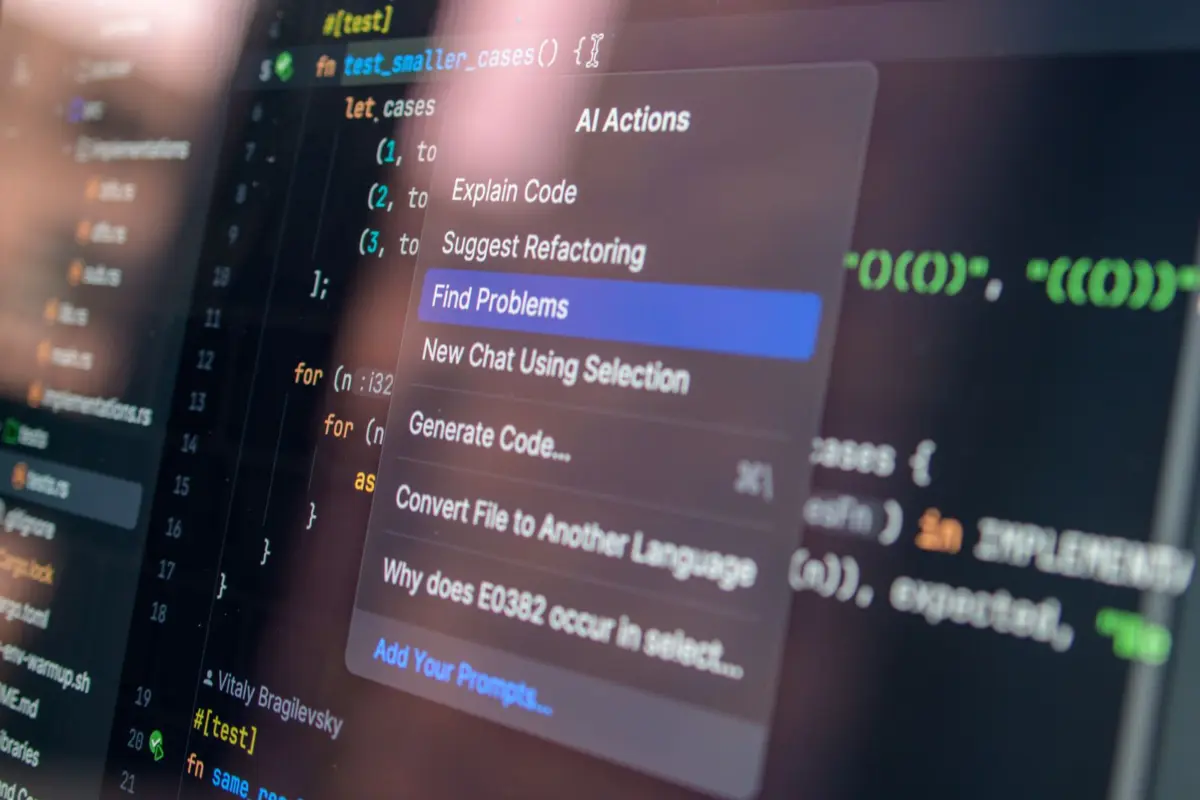
You describe the website in a chat, ChatGPT builds a private preview, you ask for changes, and then you deploy it to get a live web address. According to OpenAI’s Help Center, the steps look like this:
- Open Work in ChatGPT on the web or the desktop app.
- Describe the site, including the word “website” in your prompt or typing @Sites.
- Add the content, files, links and rules it should use.
- Review the preview and ask for changes until it looks and works the way you want.
- Deploy the site to get its URL. New Sites are private by default.
- Choose who can see it in Share. Anyone on the internet is one of the options, where public publishing is allowed.
A few details matter for a business. Your first web address is a chatgpt.site address, and for personal accounts it uses a random identifier by default. You can connect your own domain, but OpenAI is clear that “Sites does not register a domain for you. You must already own the domain and be able to change its DNS records.” OpenAI also warns that every deployment is a live production version, so you should save a version and review it before you deploy changes. If you haven’t chosen a domain yet, my guide to .co.uk or .com will help.
Sites can also save information between visits, such as form entries or uploaded files. OpenAI says each Site’s database can store up to 10 GB, which is far more than a small business site will ever need.
How much does it cost to build a website with ChatGPT?
You need a paid ChatGPT plan, and the usage counts against your plan’s limits rather than having a separate price tag. ChatGPT Sites is available on Plus, Pro, Business and Enterprise. OpenAI says building or editing a Site counts towards your Codex usage, and that “usage for running and hosting Sites, including traffic and storage, is separate.” Plus and Pro users have no fixed limit on the number of Sites, but usage and storage limits apply across all of them.
Plan prices change, so check the current price in your own ChatGPT account before you decide. The bigger cost is usually your time: writing the content, checking every claim, testing forms on a phone, and fixing things when you change something and something else moves. Compare that with what a WordPress website costs or my own web design prices, where a bespoke WordPress site starts at £1,500.
What can’t ChatGPT do when it builds your business website?

ChatGPT builds what you describe; it doesn’t know what your business actually needs to win customers. A website that brings in enquiries depends on research and decisions made before anyone designs a page. Here’s how the work splits:
| Job | Can ChatGPT Sites do it? | What you still need to do |
|---|---|---|
| Design and code the pages | Yes, from your description | Check it works on a phone and looks like your brand |
| Host the site and give it a web address | Yes, on a chatgpt.site address | Decide whether you want your own domain |
| Connect your own domain | Yes, if custom domains are available on your account | Buy the domain yourself and change its DNS records |
| Write the words on the page | It can draft them | Fact-check every claim, price and service |
| Find the searches your customers use | No, it only builds what you ask for | Keyword and competitor research for your area |
| Plan pages for each service and area | Only if you tell it which ones | Decide the structure that matches how people search |
| Set up Google Business Profile and Search Console | No, they sit outside the site | Set up, verify and manage them yourself |
| Privacy policy and cookie consent | It can help draft them | Make sure they’re accurate and legal for the UK |
| Take payments | Only through a third-party payment provider | Set up and manage the provider account |
| Take responsibility for the site | No | You are responsible, according to OpenAI |
The pattern is the same as with any website builder: the tool makes building easy, but the thinking is still yours. I covered that trade-off in more detail in website builder vs web designer.
Will a website built by ChatGPT rank on Google?
It can, but not because ChatGPT built it. Google doesn’t ban AI-made content; it judges whether the page is accurate and useful. Google’s guidance on generative AI content says AI “can be particularly useful when researching a topic, and to add structure to original content”, but also that “it is critical to manually factcheck and review all AI-generated content for accuracy and trustworthiness before publishing” (Google Search Central, updated 1 October 2026).
Google adds that this review also applies to page titles, descriptions, structured data and image alt text, which can all appear in search results. And it warns that using AI to “generate many pages without adding value for users” may break its spam policy on scaled content abuse. So asking ChatGPT for 40 near-identical “plumber in [area]” pages is a bad idea, however quickly it can make them.
The OpenAI help pages I read explain building, sharing and hosting, but they don’t cover search engine optimisation. That’s not a criticism; it’s just not what the tool is for. A website ranks because it answers what local customers search for, loads fast, has a clear page for each service and is backed by a strong Google Business Profile. Those parts are planned by a person. If you want the words to do that job, my guide to SEO copywriting explains how.
Tried ChatGPT and not sure the result will bring in customers? Send it to me. I’m a freelance web designer in Clapham, not an agency, and I’ll tell you honestly whether it’s good enough to launch or what it’s missing. If you want a site built properly from the start, see my web design services in London or book a free consultation.
What are you legally responsible for on a ChatGPT website?

Everything. OpenAI’s rules say plainly that “you are responsible for your Site and its content, including content submitted by visitors to your Site, as well as for compliance with any laws applicable to your Site” (OpenAI Help Center). ChatGPT builds it; you own the consequences.
For a UK business, the big one is personal data. OpenAI’s data protection page names the UK GDPR and says that under the ChatGPT Sites Terms, “you are the data controller of personal data collected through your Site” (OpenAI Help Center). That means a contact form, a booking request or a newsletter sign-up all come with the usual duties: a visible privacy policy, only collecting what you need, keeping it secure and answering requests from people who want to see or delete their data.
There are also hard limits. OpenAI says Sites must not process protected health information, and that payment card data must be handled only by a third-party payment provider, not by OpenAI. If you run a clinic, a therapy practice or anything that takes card payments, plan for that before you start.
ChatGPT vs a website builder vs a web designer: which is right for you?
All three can get a website online; they differ in how much of the planning, checking and ongoing work lands on you. Here’s the honest comparison:
| ChatGPT Sites | Website builder (Wix, Squarespace) | Freelance web designer | |
|---|---|---|---|
| How you build it | Describe it in a chat | Drag and drop a template | The designer builds it with you |
| Speed to first version | Minutes | Hours to days | Usually 10 to 15 working days for a small site once content is in (my timeline) |
| Keyword and competitor research | Only what you ask for | Up to you | Part of the job, if it’s a good designer |
| Who checks the facts and the law | You | You | Shared, with you signing off |
| Editing later | Ask ChatGPT for each change | Edit in the builder | Depends on the platform. On WordPress, you can edit it yourself |
| Best for | Prototypes, simple pages, internal tools, testing an idea | Simple sites on a tight budget | Businesses that need the website to bring in enquiries |
I’m a web designer, so take my bias into account. But I’d say the same to a friend: if your website is your main source of new customers, the few thousand pounds you save by building it yourself can easily cost more in missed enquiries.
How to build a website with ChatGPT without regretting it
If you decide to try it, treat ChatGPT like a fast junior designer: give it clear instructions and check everything it hands back. These are the steps I’d follow:
- Write your own content brief first. List your services, areas, prices and the questions customers ask you. ChatGPT can only use what you give it.
- Ask for a version you can review before deploying. OpenAI recommends saving a version first, because every deployment goes live.
- Check every fact, price and promise. Google says AI content must be fact-checked before you publish, and so does common sense.
- Test it on your phone. Try every button, form and phone number link the way a customer would.
- Add a privacy policy before you collect any data. OpenAI’s own guidance says you need one if your site collects personal data.
- Use a domain you own. Buy it in your business’s name, then connect it in the Site’s settings.
- Set up the things outside the website. Google Business Profile, Search Console and a way to ask happy customers for reviews. They matter as much as the site itself.
One more tip: ChatGPT is also useful even if you hire someone. Using it to sketch the layout you like, or a rough page to show a designer, makes the brief much clearer.
Should you let ChatGPT build your business website? Find your situation
Use ChatGPT when speed matters more than search traffic; use a professional when the website has to bring in customers from Google. Find the row that fits you:
| Your situation | What I’d do |
|---|---|
| You want to test a business idea this weekend | Use ChatGPT Sites. A quick page is perfect for this |
| You need an internal tool for your team, like a booking tracker or price list | ChatGPT Sites is a good fit, kept private to your workspace |
| You want a one-page event or offer page | Fine with ChatGPT, as long as you check the details and add a privacy policy if there’s a form |
| You’re a local trade or service relying on Google for new customers | Get a website planned around local searches, with a page for each service and area |
| You take card payments or sell products online | Use a proper e-commerce setup and payment provider; see my e-commerce web design |
| You handle health information, such as a clinic or therapist | Don’t use ChatGPT Sites for it: OpenAI says Sites must not process protected health information |
| You already built a site with ChatGPT and it gets no enquiries | Check whether Google can find it at all: why a website isn’t showing on Google |
And whichever way you build, think about AI search too. Getting your business recommended inside ChatGPT’s own answers is a different job from building a website. I explain how that works in how to get your business recommended by ChatGPT.
Can ChatGPT build a website: frequently asked questions
Can ChatGPT build a website for free?
Not with ChatGPT Sites, which needs a paid Plus, Pro, Business or Enterprise plan. ChatGPT can also write website code in a normal chat, but then you have to host it yourself, and hosting and a domain cost money.
Can ChatGPT host a website?
Yes. Since July 2026, ChatGPT Sites can publish and host a website on a chatgpt.site address. You can also connect a custom domain you already own by adding the DNS records Sites gives you.
Can ChatGPT build a website with my own domain?
Yes, where custom domains are available on your account. ChatGPT Sites does not register domains, so you need to buy the domain first and be able to change its DNS records.
Will Google penalise a website made with ChatGPT?
Not for being made with AI. Google’s guidance allows AI-generated content but says it is critical to fact-check and review it before publishing, and warns against mass-producing pages that add no value.
Who is responsible for a website built by ChatGPT?
You are. OpenAI says you are responsible for your Site, its content and visitor submissions, and that you are the data controller for personal data it collects, so UK GDPR applies.
Is a ChatGPT website good enough for a small business?
For a prototype, a simple page or an internal tool, often yes. For a website that has to win local customers from Google, you still need keyword research, a page for each service, accurate content and a Google Business Profile.
If you would rather have a person build it, I am a freelance web designer in London and every site I build is paid once, with no monthly fee for the website.
AI can draft pages, but web design and SEO decisions like structure, speed and internal links still shape how a site ranks.
Want a website that’s built to bring in customers?
ChatGPT can build a website in minutes, and for some jobs that’s all you need. If your website has to bring in calls and enquiries from Google, I design and build bespoke WordPress websites with the research and SEO done before the first page is designed. Small sites take 10 to 15 working days once the content is in, it’s 50% upfront and 50% at launch, and you can edit the site yourself afterwards. See my web designer services in London or how I work.
Book a free consultation, or call or WhatsApp me on 07404 145722. Bring your ChatGPT draft if you have one; I’ll tell you honestly what’s worth keeping.

Freelance web designer and SEO in Clapham, London, and two-time Prestige Awards Web Designer of the Year. I design, build and rank websites for small businesses. More about me