

A nameserver is the server that holds the address book for your domain. When someone types your web address or emails you, their device asks your domain’s nameservers where to go, and the nameservers answer with your DNS records: which server hosts your website and which one handles your email. Your registrar lists your nameservers, and whoever runs them controls where your website and email point.
If you’re asking “what is a nameserver?”, it’s probably because a web designer, a host or an email provider has asked you to “change your nameservers” and you’d like to know what you’re agreeing to before you click save. I’m a freelance web designer in Clapham, London, and pointing domains at new websites is part of nearly every project I finish. I checked everything below on 18 November 2026 against the internet standard that defines nameservers (RFC 1034), Nominet’s rules for .uk domains, the NCSC’s guidance on managing domain names and Google’s own help pages. Most of page one explains the theory. This guide covers the bit business owners actually get stuck on: changing nameservers without breaking your email.
Key takeaways
- A nameserver answers one question for the internet: “where does this domain live?” It holds your DNS records.
- You set your nameservers at your registrar, the company you bought the domain from. Most domains have two to four.
- Changing nameservers moves all your DNS records to a new provider at once, including the ones that deliver your email.
- Nominet only checks that a nameserver name is written in a valid format. It doesn’t check the server exists, so one typo can take your site offline.
- For a new website you often don’t need to change nameservers at all. Changing one or two DNS records is usually safer.
- Protect the registrar account with 2-Step Verification. The NCSC calls it the most important thing you can do.
What is a nameserver?
A nameserver is a computer that stores the DNS records for a domain and answers questions about them. When a browser or an email server wants to reach your business, it asks the nameserver, and it replies with the right address.
The internet standard that created the system, RFC 1034, says name servers “hold information about the domain tree’s structure” and that their “essential task” is “to answer queries using data in its zones” (RFC 1034). In plain English: your domain is a name, computers need a number, and the nameserver is the switchboard that connects one to the other. You’ll also see it written as “name server” or “domain name server”. They all mean the same thing.
It helps to see where the nameserver sits next to the other pieces you pay for:
| Piece | What it is | Everyday comparison |
|---|---|---|
| Domain | Your web address, such as yourbusiness.co.uk | Your business name |
| Registrar | The company you rent the domain from and renew it with | The agent who registered the name for you |
| Nameservers | The servers that hold your domain’s records and answer lookups | The switchboard that knows which line to connect |
| DNS records | The individual entries: website address, email servers, verification codes | The entries in the switchboard’s directory |
| Hosting | The server where your website’s files actually live | Your shop premises |
If the difference between a domain and hosting is still a bit fuzzy, I’ve written a separate guide on domain vs hosting that explains who should own each one.
What is a nameserver for a domain, and how does it work?
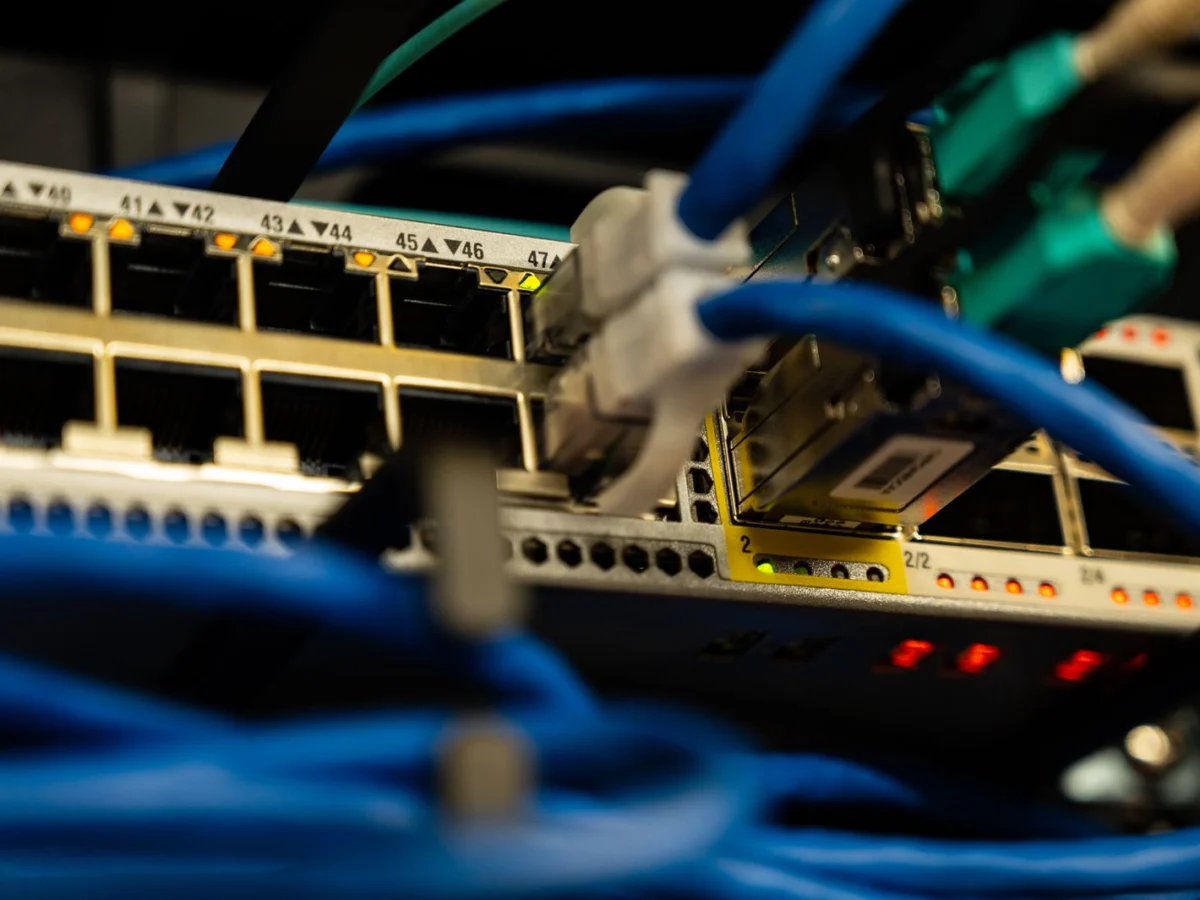
The nameserver for a domain is the one your registrar has listed as being in charge of it. Every lookup for your domain ends up there, so whoever runs those nameservers decides where your website and email go.
Here’s what happens in the second after a customer types your address:
- The customer’s device asks a resolver. This is usually run by their broadband or mobile provider.
- The resolver asks the .uk registry. For a .co.uk name, Nominet’s systems reply: “these are the nameservers for that domain”.
- The resolver asks your nameserver. It looks up your records and replies with the address of your web server.
- The browser connects to your hosting. Your website loads.
- The answer is remembered for a while. Each record has a “time to live” (TTL). RFC 1034 describes it as “a time limit on how long an RR can be kept in a cache”, which is why changes don’t show up everywhere instantly.
You never have just one nameserver. RFC 1034 requires every zone to be “available on at least two servers”, so if one goes down the other keeps answering. For .uk domains, Nominet allows “up to ten nameservers” per domain (Nominet registrar resources). When I looked up my own domain, marcomundo.co.uk, on 18 November 2026, it had four of them, all run by my hosting company, and its records were set to be cached for one hour.
What’s the difference between nameservers and DNS records?
Nameservers decide who holds your DNS records. DNS records are the individual instructions inside. Change your nameservers and you change the whole directory; change a DNS record and you only change one line in it.
These are the records a small business usually has, and what breaks if they go missing:
| Record | What it does | If it’s missing or wrong |
|---|---|---|
| NS | Names your nameservers | Nothing on the domain works |
| A (and AAAA) | Points your domain at your web server’s address | Your website doesn’t load |
| CNAME | Points one name at another, often www at your main domain | The www version of your site fails |
| MX | Tells the world which servers receive your email | Emails to you bounce or vanish |
| TXT | Holds text proofs: email sender rules (SPF, DKIM, DMARC) and verification codes for Google and Microsoft | Your emails land in spam, or a Google verification is lost |
That last row matters more than people think. If you verified your website in Google Search Console with a DNS record and that record disappears during a nameserver change, you can lose access to your search data until you verify again.
How do I find my nameservers?
The quickest way is to log in to your registrar and open the domain’s settings, where they are listed under “Nameservers” or “DNS”. If you don’t know who your registrar is, a WHOIS lookup will tell you.
For a .uk domain, Nominet’s public WHOIS shows the registrar and the name servers. A free online nameserver lookup tool shows the same list in seconds. Look at the names that come back: they usually include the company’s name, such as ns1.yourhost.co.uk or something from your domain registrar. That tells you who is answering for your domain right now. If it’s a company you’ve never heard of, or an old web designer’s server, that’s worth sorting out. My guide to IPS tags explains how to see which registrar holds a .uk domain and how to move it.
Getting a new website and worried about the domain side? I’m a freelance web designer, not an agency, so you deal with me from the first call to launch day. I’ll build a bespoke WordPress site, connect your domain and check your email still works before and after launch. See my web designer in London page or book a free consultation.
Should I change my nameservers when I get a new website?
Not always. There are two ways to connect a domain to new hosting: change the nameservers, or keep them and change one or two DNS records. For a business that already has working email, changing just the records is often the safer choice.
| Change the nameservers | Change the A record only | |
|---|---|---|
| What moves | Every DNS record moves to the new provider | Only the website address changes |
| Breaks unless the MX and TXT records are copied first | Carries on as before | |
| Who manages DNS afterwards | The new host | Whoever managed it before, usually your registrar |
| Best for | Brand-new domains with nothing set up, or moving everything to one provider | Established businesses with email, Google Workspace or Microsoft 365 already running |

Here’s why email is the trap. Your email provider tells the world where to deliver your mail through MX records. Google explains that when someone emails you, “the sender’s computer looks up the MX records for your email domain” (Google Workspace Admin Help). Switch to nameservers that don’t have those MX records and the senders find nothing. And even once you add them back, Google warns “it can take up to 72 hours for the new MX records to be recognized”. That could be three days of missed enquiries for a typo you could have avoided.
How do I change nameservers without breaking my email?
Copy every record to the new provider first, then switch the nameservers at your registrar, then test. The order matters more than anything else.
- Write down every current record. Export or screenshot the full DNS zone from your current provider: A, CNAME, MX and every TXT record.
- Recreate them at the new provider. Add the MX and TXT records exactly as they were, before anything else changes.
- Lower the TTL a day or two before. Google’s guide to changing hosting suggests “lowering the TTL to a conservative low value (for example, a few hours)” so the switch spreads faster (Google Search Central).
- Change the nameservers at your registrar. Copy and paste the new names rather than typing them.
- Check the spelling twice. Nominet only checks that a nameserver name is written in a valid format. It says it does “not check to see if the nameserver exists”, so a typo is accepted and your domain simply stops working.
- Test website and email. Load the site on mobile data, send yourself an email from a different account and reply to it.
- Keep the old hosting running for a while. Google advises that “once the traffic to the old provider reaches zero, you can shut down your old hosting infrastructure”, not before.
How long does a nameserver change take?
Usually a few hours, but it depends on how long the old answers were set to be cached. Some people will see the new website straight away and others will still see the old one until their cached copy expires.
This is why a launch can look “half done” for a morning. Nothing is broken: resolvers around the world are simply holding the old answer until its TTL runs out. Google also notes that after a hosting change “it’s normal to see a temporary drop in Googlebot’s crawl rate”, which picks up again over the following days. If your site is still missing from Google weeks later, the cause is usually something else, and my guide on why a website isn’t showing on Google walks through the checks.
Can nameservers be a security risk for my business?

Yes. Anyone who can change your nameservers can send your website visitors and your email somewhere else, so the registrar account is one of the most valuable logins your business has.
The National Cyber Security Centre is blunt about it: “The most important recommendation is to implement 2-Step Verification (2SV) with the registrar.” It also advises that there should be “more than one trusted person with secure access to manage the domain”, that domains “should be set to auto-renew”, and it warns that the same principle applies “if a domain is registered by a web hosting company”: your organisation should be the one in control (NCSC). That last point catches a lot of small businesses. If an old web designer or host set everything up in their own account, you don’t really control where your domain points. I always set domains and hosting up in the client’s own name, and I explain why in my post on questions to ask a web designer.
One more risk is quieter: old nameservers left on the list after a move. If a nameserver you no longer use stays listed, some lookups may still go to a server nobody looks after. Remove any you’ve stopped using.
What should I do about my nameservers? Find your situation
Most business owners only need to touch these settings once or twice in the life of a domain. Here’s what I’d do in each common situation:
| Your situation | What I’d do |
|---|---|
| You’ve just bought a domain and nothing is set up yet | Use your new host’s nameservers. There’s no email to protect yet |
| You’re getting a new website and already use the domain for email | Keep your nameservers and change the A record, or copy every record across before switching |
| Your domain shows a registrar holding page | It isn’t pointed at hosting yet. See my guide to parked domains |
| The nameservers belong to an old designer or host you’ve left | Move the domain into your own registrar account, then move the DNS |
| Email stopped working after a website launch | Check the MX records at whoever runs your nameservers now, and add them back |
| You own both the .co.uk and the .com | Point both at the same place and redirect one to the other. My .co.uk or .com guide explains which to use as the main one |
| You’re not sure who controls the registrar login | Find out this week, turn on 2-Step Verification and add a second trusted person |
Can I change my nameservers myself, or should I get help?
You can do it yourself if the domain is new or you don’t use it for email. It’s a two-minute job in your registrar account. Get help if your business email runs on the domain, because that’s where a small mistake costs real enquiries.
When I build a new website, connecting the domain is part of the job. I check who runs your DNS, copy the email and verification records before anything moves, and test the site and your inbox on launch day. Websites start at £1,500 for up to 5 pages, and a Business website with up to 15 pages is £2,500. You pay 50% to start and 50% when it’s ready to go live, and the domain and hosting stay in your name. A small site usually takes 10 to 15 working days once the content is in, and you can see the steps on my how I work page and the full list on pricing. One honest note: I don’t make small edits or fixes to websites someone else built. If your current site is the problem, the answer is a full rebuild, or SEO on the site you already have.
What is a nameserver: frequently asked questions
What is a nameserver in simple terms?
A nameserver is the server that holds your domain’s DNS records. When someone visits your website or sends you an email, their device asks your nameservers where to go, and they answer with the right address.
What is a nameserver for a domain?
It’s the server your registrar lists as responsible for your domain. Every lookup for your web address ends up there, so whoever runs those nameservers controls where your website and email point.
Will changing nameservers affect my email?
It can. Changing nameservers moves all your DNS records, including the MX records that deliver your email. Copy every MX and TXT record to the new provider before you switch, or your email can stop arriving.
How many nameservers does a domain need?
At least two. The DNS standard RFC 1034 requires every zone to be available on at least two servers, and Nominet allows up to ten nameservers for a .uk domain.
How long does it take for new nameservers to work?
Usually a few hours, depending on how long the old records were cached. Some visitors see the change straight away and others a little later. Google says new MX records for email can take up to 72 hours to be recognised.
Is a nameserver the same as a DNS server?
A nameserver is a type of DNS server. Nameservers hold the records for particular domains, while the DNS servers run by broadband providers mostly look up and remember answers on behalf of their customers.
Want your new website connected without the email drama?
Now you know what a nameserver is, what it controls and how to change it without losing a single enquiry. If you’d rather not touch any of it, tell me about your business. I’ll build you a bespoke website, connect your domain properly and keep everything in your name. See what’s included on my web designer in London page.
Book a free consultation, or call or WhatsApp me on 07404 145722. No jargon, and no missing emails on launch day.

Freelance web designer and SEO in Clapham, London, and two-time Prestige Awards Web Designer of the Year. I design, build and rank websites for small businesses. More about me